JU Srednjoškolski centar „Nedžad Ibrišimović“ Ilijaš predstavlja jednu od najznačajnijih i najstarijih obrazovnih ustanova u općini Ilijaš, sa tradicijom dugom više od 60 godina.
Početak – gimnazija i razvoj (1961.–1992.)
Obrazovanje srednjoškolaca u Ilijašu započelo je 1961. godine, kada je Općinsko vijeće Ilijaša osnovalo Gimnaziju „Moša Pijade“, s ciljem da se mladim ljudima u lokalnoj zajednici pruži kvalitetno opće obrazovanje i priprema za dalji život i učenje. Tijekom narednih godina škola se razvijala i širila, te je 1971. godine prerasla u Školski centar „Moša Pijade“, što je omogućilo uvođenje stručnih programa pored gimnazija i time dalo odgovor na rastuće obrazovne potrebe društva.
Rat i poslijeratni period (1992.–1999.)
Tijekom agresije na Bosnu i Hercegovinu (1992–1995), rad škole bio je privremeno prekinut. Nakon rata, 1996. godine škola ponovno otvara svoja vrata kao Mješovita srednja škola Ilijaš, prilagođavajući se tadašnjim poslijeratnim izazovima i potrebama učenika i zajednice.
Kako se rad škole dalje razvijao i obrazovni programi širili, 1999. godine usvojen je novi naziv — Srednjoškolski centar Ilijaš — što je označilo novu etapu institucionalnog rasta i organizacije.
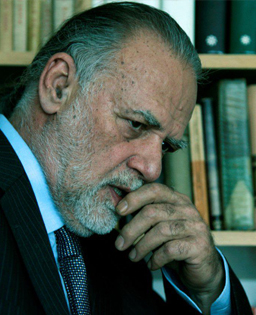
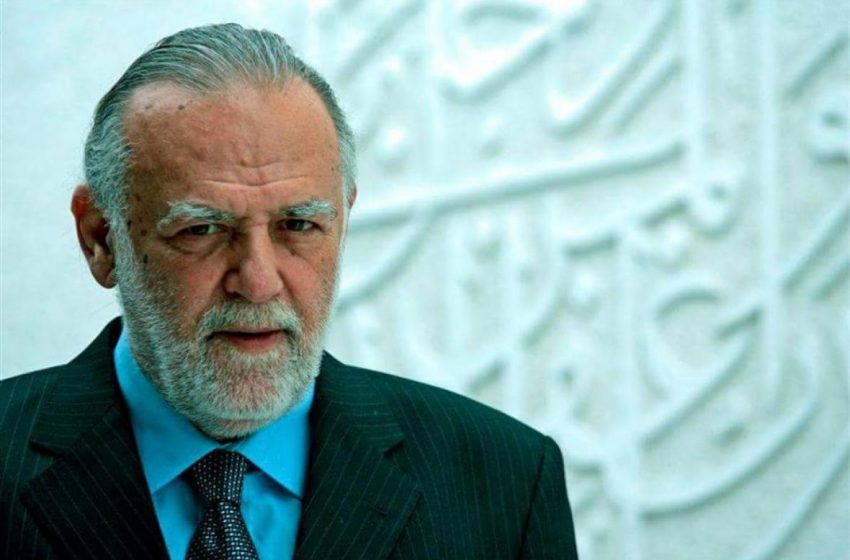
Naziv po Nedžadu Ibrišimoviću
U znak posebnog priznanja i poštovanja prema kulturnom stvaralaštvu i doprinosu bosanskohercegovačkoj književnosti, Općinsko vijeće Ilijaša odlučilo je da Srednjoškolski centar Ilijaš nosi ime istaknutog pisca i umjetnika — te je od tada ova ustanova poznata kao:
JU Srednjoškolski centar „Nedžad Ibrišimović“ Ilijaš.
Današnji identitet škole
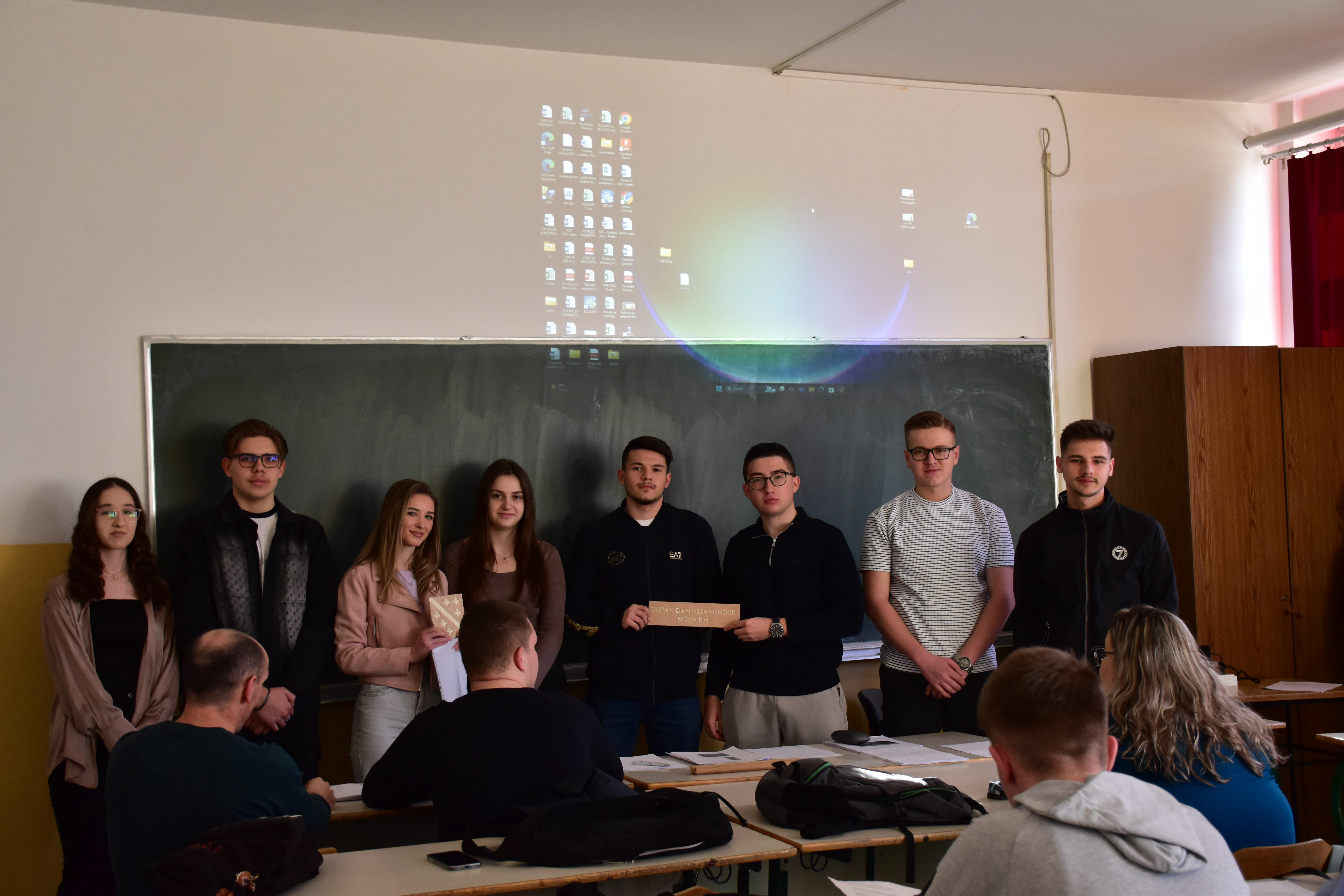
Danas Srednjoškolski centar „Nedžad Ibrišimović“ Ilijaš je moderni centar obrazovanja koji njeguje svoju dugu tradiciju, ali istovremeno odgovara potrebama savremenog društva. Škola svojim učenicima nudi širok spektar programa — od gimnazijskih tečajeva do stručnih smjerova — uz kontinuirano unapređenje nastave, vannastavnih aktivnosti i suradnju s lokalnom zajednicom. Ovaj centar ostaje mjesto gdje se učenici pripremaju za uspješan nastavak školovanja, profesionalni život i aktivno sudjelovanje u društvu.
Kroz više od šest decenija postojanja, Srednjoškolski centar „Nedžad Ibrišimović“ Ilijaš ostao je mjesto gdje se ne prenosi samo znanje već se oblikuju ljudi, vrijednosti i budućnost. Učenici koji prolaze kroz ovu školu ne uče samo činjenice, već razvijaju sposobnost da misle, stvaraju i odgovorno ocjenjuju svoj život i društvo u kojem žive.
Upravo to najljepše izražava stara bosanska mudrost: „Znanje je blago koje svog vlasnika svugdje prati.“
Ova poruka podsjeća da je obrazovanje trajna vrijednost – ono što jednom naučimo ostaje s nama cijelog života i postaje temelj svakog ličnog i društvenog napretka.